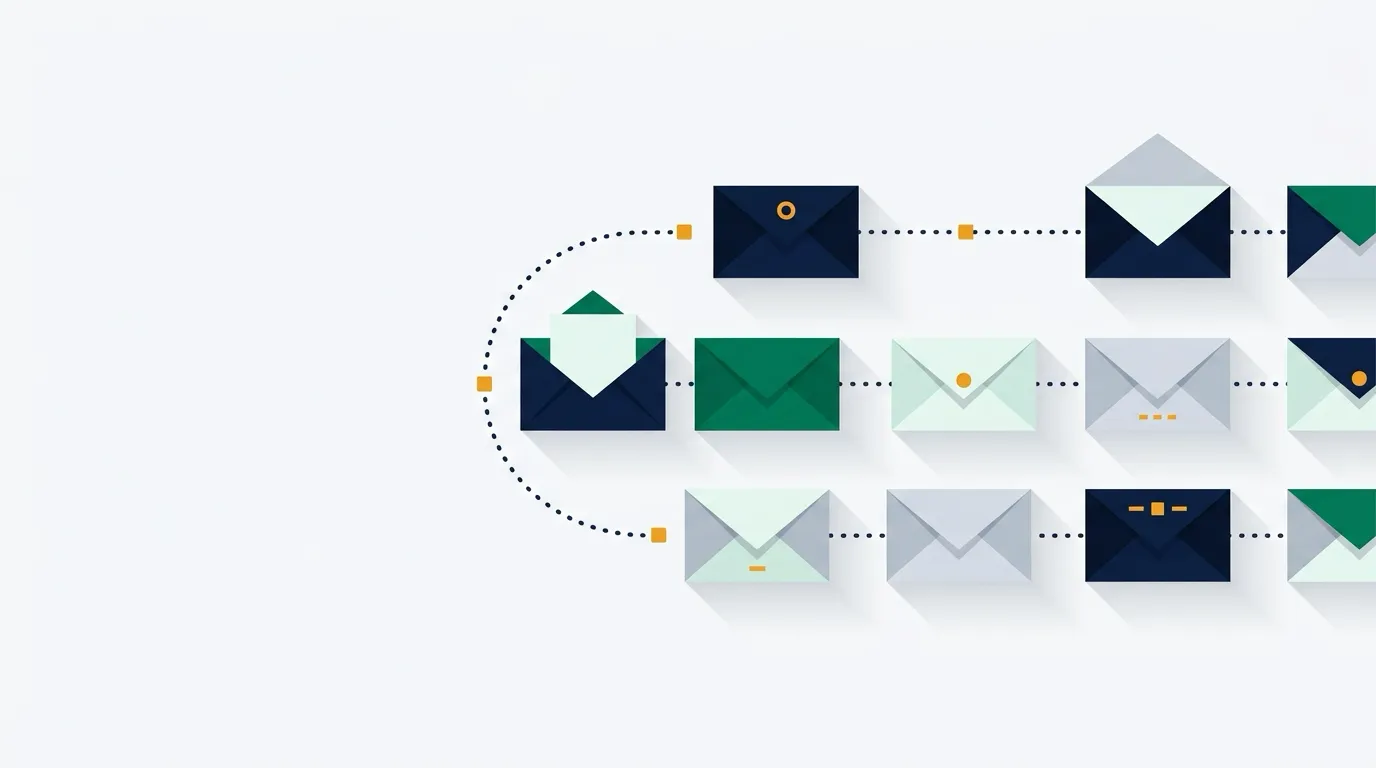


Two automatic email sequences do most of the early revenue work for a new online store. A welcome flow greets every new subscriber the moment they join, and an abandoned cart flow reminds shoppers who left items behind to come back and finish buying. Both run continuously in the background once configured.
This guide outlines how to set up both flows across Omnisend, Klaviyo, MailerLite, and Shopify Email, the compliance rules you must follow, and the exact math behind what recovering lost carts is worth to your bottom line.
Worked example: what recovered carts and email tools cost
Email marketing software pricing scales by list size, while cart recovery revenue scales with traffic and order value. For a store just starting out, free plans from Omnisend, Klaviyo, and MailerLite cost $0 per month for up to 250 contacts. As your audience expands, tool costs remain predictable based on published plan tiers.
The figures below use verified list tiers from official pricing pages checked on 2026-10-03:
| List size | Omnisend | Klaviyo | MailerLite |
|---|---|---|---|
| Up to 250 contacts | $0/mo (Free plan; 500 sends) | $0/mo (Free plan; 500 sends) | $0/mo (Free plan; 2,500 sends) |
| 500 contacts | $16/mo (Standard plan; 6,000 sends) | Shown for your list size on its pricing page | $12/mo (Comfort tier covers up to 1,000) |
| 1,000 contacts | Plan scales by tier | Shown for your list size on its pricing page | $12/mo (Comfort plan; 10,000 sends) |
(Note: Klaviyo shows paid prices above 250 profiles on its pricing page for your exact profile count. Omnisend Standard starts at $16/month regular price for 500 contacts, with a promotional rate of $11.20/month for the first 3 months. MailerLite Comfort starts at $12/month for up to 1,000 subscribers.)
What one recovered order pays for
Consider a hypothetical store selling handmade goods online:
- Average order value: $40
- Wholesale product cost: $12
- Shipping and packaging cost: $6
- Payment card processing fee: $1.46 (standard rate of 2.9% of $40 [$1.16] + 30¢)
- Net profit per completed order: $40 − $12 − $6 − $1.46 = $20.54
Now suppose the store experiences 100 abandoned carts or checkouts in a month. With no automated emails sent, the store recovers $0 from those abandoned visits.
If you activate a two-step cart recovery flow and achieve a modest recovery rate:
- 1% recovery rate (1 order recovered out of 100): You gain 1 order × $40 = $40 in revenue, generating $20.54 in net profit. On a free plan ($0/mo), you keep the entire $20.54. On Omnisend Standard ($16/mo), that single order ($20.54 profit) completely covers your monthly software bill and leaves $4.54 in extra profit.
- 3% recovery rate (3 orders recovered out of 100): You gain 3 orders × $40 = $120 in revenue. Net profit after product, postage, and processing fees is 3 × $20.54 = $61.62. On a $16/mo tool plan, net earnings are $61.62 − $16.00 = $45.62.
- 5% recovery rate (5 orders recovered out of 100): You gain 5 orders × $40 = $200 in revenue. Net profit is 5 × $20.54 = $102.70. After a $16/mo tool cost, you net $86.70.
Run it with your own numbers: (Lost carts per month × hypothetical recovery % × average order value) − (product costs + shipping + card processing) − software subscription. You can calculate your exact margin on individual items using the profit per order calculator and compare broader overhead in our monthly cost guide.
The three emails to set up first
Do not overcomplicate your automations when launching. Setting up three clear messages handles greeting, cart rescue, and final follow-up.
1. The immediate welcome email
- When it sends: Immediately upon signup (0-minute delay).
- Goal: Deliver whatever incentive you promised (like a welcome discount code or resource), introduce your brand identity, and set expectations for future emails.
- Example subject line:
Welcome to [Brand Name] — here is your 10% welcome code - Key contents: The promised offer code, a short 2-sentence story about why your store exists, and a prominent link back to your best-selling collection.
2. The first cart recovery email
- When it sends: 2 to 4 hours after a shopper abandons checkout.
- Goal: Remind the customer about the items they left behind and help them resolve simple purchasing friction (like an interrupted checkout session or quick question).
- Example subject line:
Did you leave something behind? Your items are waiting - Key contents: Dynamic product block showing product image, title, and price, with a clear “Return to Cart” button. Add an email reply link for customer support questions.
3. The final cart reminder
- When it sends: 20 to 48 hours after abandonment.
- Goal: Create a gentle close to the checkout session before the cart expires or the shopper moves on.
- Example subject line:
Still thinking it over? Your cart at [Brand Name] is saved - Key contents: A recap of the cart contents, return policy details, customer service contact options, and a direct link to checkout.
CAN-SPAM legal rules to check before sending
Under the US CAN-SPAM Act, promotional messages from an online store are classified as commercial emails. The Federal Trade Commission (FTC) enforces rules that require every store owner to follow specific operational standards:
- No deceptive headers or subject lines: Your “From” name, reply-to address, and subject line must accurately identify the sender and the content of the message.
- Clear identification as an advertisement: Your message must state clearly and conspicuously that it is an advertisement.
- Valid physical postal address: Every message must display your valid physical postal address. This can be your current street address, a post office box registered with the US Postal Service, or a private mailbox registered with a commercial mail receiving agency established under postal regulations.
- Clear opt-out mechanism: Every email must include a clear, conspicuous explanation of how recipients can opt out of getting future commercial email from you.
- Prompt opt-out handling: You must honor opt-out requests within 10 business days, and the unsubscribe mechanism must function for at least 30 days after sending. You cannot charge a fee or require anything other than an email address or a single web page visit to unsubscribe.
- Sender legal responsibility: You remain legally responsible for compliance even when using third-party email service platforms or external agencies.
This is general information, not legal or tax advice. For complex regulatory compliance questions, consult a qualified attorney.
Platform setup comparison
Choosing an email platform depends heavily on your store builder and feature needs.
Omnisend: best for fast multichannel setups
Omnisend provides full access to core features on its Free plan ($0/month for up to 250 contacts and 500 emails/month), including pre-built automations, segmentation, signup forms, web push notifications, and 24/7 live chat and email support.
- Trigger separation: Omnisend cleanly separates Abandoned Cart (shoppers who add items to their cart but do not start checkout) and Abandoned Checkout (shoppers who begin checkout but do not complete purchase). Omnisend recommends activating both.
- Identified contacts only: Abandoned cart flows only trigger for contacts identified via form signups, prior email clicks, or email entry at checkout. Anonymous browsers cannot receive emails.
- Sending limits: By default, each contact can trigger an Abandoned Cart or Checkout automation only once every 24 hours. Contacts who abandoned carts prior to activating the workflow are not emailed retrospectively.
- Paid pricing: The Standard plan starts at $16/month (or promotional $11.20/month for the first 3 months) for up to 500 contacts, including 6,000 monthly emails and unlimited web push.
Klaviyo: best for deep data flows and segmentation
Klaviyo offers deep two-way integration with Shopify via its app store, syncing cart activity, customer properties, and product catalogs. Its Free plan ($0/month) supports up to 250 active profiles and 500 monthly email sends, including $5 of mobile messages (150 SMS/MMS credits) and email support for your first 60 days.
- Pre-built flow library: Klaviyo includes pre-built flows for Welcome Series, Abandoned Cart, Browse Abandonment, Customer Thank You, and Winback.
- Flow mechanics: The pre-built welcome series triggers immediately upon opt-in, followed by email 2 after 3 days and email 3 after 4 days. The pre-built abandoned cart flow uses a 4-hour initial time delay, with Klaviyo recommending sending message 1 between 2–4 hours after checkout starts, and message 2 between 20–48 hours later.
- Shopify setup note: For Shopify stores, check the “Track behavioral events” setting in Klaviyo to track Added to Cart triggers alongside Started Checkout. Turn off Shopify’s built-in default checkout notifications to prevent sending duplicate emails.
MailerLite: budget choice for WooCommerce and Wix
MailerLite offers an accessible entry point with its Free plan ($0/month for up to 250 subscribers and 2,500 monthly emails), moving to the Comfort plan at $12/month for up to 1,000 subscribers (10,000 emails/month).
- Platform restrictions: MailerLite’s documentation explicitly notes that its Shopify, Squarespace Commerce, and BigCommerce integrations cannot currently create abandoned cart automations. The Abandoned Cart trigger works with WooCommerce, Wix, PrestaShop, Shoper, and custom ecommerce APIs.
- Account requirement: The customer must be logged into their store account to trigger an abandoned cart automation in MailerLite; guest shoppers cannot trigger it.
- Marketing consent: MailerLite enforces that shoppers must give clear permission to receive marketing communications to receive abandoned cart messages, limiting sends strictly to active subscribers.
Shopify Email: simple native option
If you host your store on Shopify and prefer zero external apps, Shopify provides native marketing automations directly within Shopify admin under Automations.
- Cost structure: Shopify states that abandoned checkout automations are always free and do not count toward your store’s monthly allotment of 10,000 free marketing emails.
- Native setup: Create an automation from the pre-built abandoned checkout template, customize the text and brand styling, and activate it directly without managing API connections.
Common mistakes when setting up flows
- Sending duplicate abandoned cart emails: If you install Klaviyo or Omnisend but leave Shopify’s default checkout recovery notification enabled, shoppers will receive two different emails for the same abandoned cart. Always turn off the store platform’s default notification before turning on your third-party flow.
- Missing a physical postal address: CAN-SPAM requires a valid physical street address, USPS post office box, or commercial mail receiving agency address in every commercial message footer. Omitting this violates federal standards.
- Discounting too early: Giving away a 15% discount code in your very first cart recovery email trains customers to deliberately abandon carts just to get a coupon. Use the first message to ask if they need help or encountered technical issues; reserve discounts for the final reminder if necessary.
- Ignoring guest checkout limitations: On platforms like MailerLite, abandoned cart triggers require shoppers to be logged in. Expecting cart reminders to go to anonymous visitors who never typed their email address will lead to confusion when sends appear low.
- Testing without resetting frequency caps: Tools like Omnisend restrict abandoned cart triggers to once per 24 hours per recipient. When testing your flows, use distinct test email addresses or temporarily adjust frequency capping so your test triggers fire immediately.
Who should pick something else
- Stores with zero website traffic: If your store does not yet have visitors adding items to carts, building elaborate multi-branch automations will not generate sales. Focus on launching your store checklist (how to open an online store) and driving initial visitors (SEO for a new online store) before fine-tuning advanced sequences.
- Shopify store owners wanting cart automations on MailerLite: Because MailerLite cannot run abandoned cart automations on Shopify, do not spend hours attempting custom workarounds. Pick Omnisend, Klaviyo, or Shopify’s native automations instead. Compare overall platform features in best email marketing for a new online store.
- Store owners with unclear SMS consent: Sending unsolicited marketing text messages carries strict legal penalties. If you do not have verified SMS consent checkboxes on your signup forms, keep your automations strictly on email.
How to decide and launch this week
Follow these steps to launch your initial flows:
- Pick your platform based on your store host: Use Klaviyo or Omnisend if you run on Shopify or BigCommerce; use MailerLite if you run on WooCommerce or Wix and want low subscriber tier rates.
- Verify your physical address and sender domain: Enter your registered street address or PO Box into your email platform settings to satisfy CAN-SPAM requirements before creating campaigns.
- Turn on a 1-email welcome flow: Set it to trigger immediately upon signup with zero delay. Include your brand intro and any offer promised on your signup form.
- Turn on a 2-step abandoned checkout flow: Schedule message 1 to send at 2 to 4 hours post-abandonment, and message 2 at 24 hours. Ensure dynamic cart blocks show product pictures and return links.
- Disable platform default notifications: In your store admin (such as Shopify Settings > Notifications), disable the native abandoned checkout email so customers never receive duplicates.
- Send a live test: Add a product to your cart, begin checkout with a secondary personal email, abandon the page, and confirm that message 1 arrives with the correct links and footer address.
Sources (checked 2026-10-03)
- FTC: CAN-SPAM Act Compliance Guide for Business, commercial email rules, address requirements, opt-out mechanisms
- Klaviyo Help: How to create an abandoned cart flow, triggers, delays, duplicate messages, dynamic cart blocks
- Klaviyo Help: How to create an email welcome series, welcome series structure and timing
- Klaviyo Pricing, free plan limits, active profiles, sends, features
- Omnisend Help: Abandoned Cart and Abandoned Checkout automations, identified contacts, 24-hour frequency rules
- Omnisend Help: Pre-built automation workflows, preset library
- Omnisend Help: Welcome Automation, default filters and sender requirements
- Omnisend Pricing, free plan tier, standard plan pricing, features, support
- MailerLite Help: Abandoned cart email automation, supported integrations, login requirements, consent
- MailerLite Help: Automation triggers, Joins a group trigger rules
- MailerLite Pricing, free plan limits, comfort plan pricing, active subscriber rules
- Shopify Help Center: Shopify Email pricing, free abandoned checkout automations, monthly send allowance
- Shopify Help Center: Create marketing automations, native setup paths